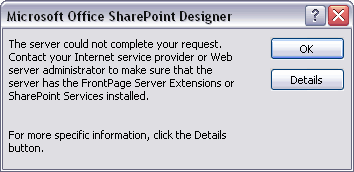
The server could not complete your request. Contact yout Internet service provider or Web server administrator to make sure that the server has the FrontPage Server Extensions or SharePoint Services installed.
The solution is simple, do the following.
On the SharePoint Server:
- Open IIS Manager.
- In the left pane, expand the server where SharePoint is installed and then click on Application Pools.
- Right-click on the application pool from which you get the error.
- Click on Recycle.
- Close IIS Manager.
- Open your aspx page.

No comments:
Post a Comment